

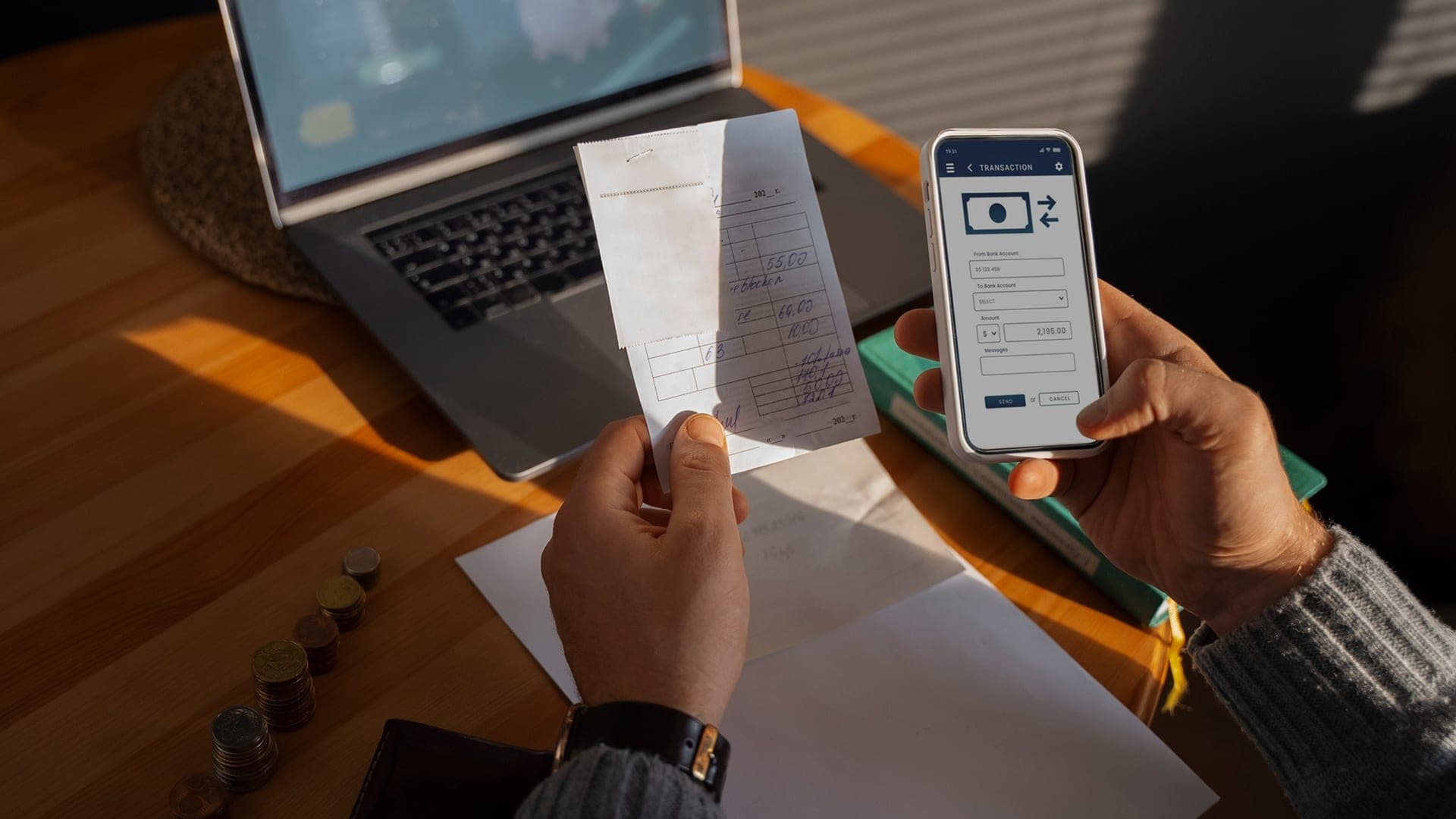
Someone hands you a paper check. You do not want to stand in line at a bank. You do not want to drive across town to a check cashing store. You just want the money in your account so you can move on with your day.
That is where check cashing apps come in.
Over the past few years, mobile banking has quietly changed how people handle checks. You take a photo, confirm the amount, and wait for approval. No long lines. No awkward counter conversations. No strict banking hours.
Many people specifically look for check cashing apps that do not rely on Ingo for processing. Sometimes it is about fees. Sometimes it is about speed. Sometimes it is simply about having more control over how deposits are handled.
The real question is not just “Which app works?” The better question is “Which app works for your situation?”
Let’s look at the answers in this blog.
Why Some People Prefer Check Cashing Apps Without Ingo
Ingo Money is a third-party processor used by several financial apps. While it works for many users, others prefer check cashing apps that manage deposits directly through their own banking infrastructure.
Common reasons include:
- Lower or more predictable fees
- Direct bank-backed processing
- Fewer approval delays
- Greater trust in established financial institutions
For freelancers, gig workers, and small business owners, speed matters. For underbanked users, clarity matters. The right check cashing apps reduce friction instead of adding more steps.
How Check Cashing Apps Actually Work
At a basic level, most check cashing apps follow a similar process:
- Open the app and choose “Deposit Check.”
- Enter the check amount.
- Take a photo of the front and back.
- Submit for review.
- Wait for approval and funds availability.
Some apps offer instant availability for a fee. Others provide free standard deposits within one to three business days.
Security usually includes encryption, identity verification, and fraud checks. The experience may look simple, but the systems behind check cashing apps are built carefully to manage risk.
The Top 15 Check Cashing Apps That Don’t Require Ingo
Below are fifteen widely used apps that offer mobile check deposit features without relying on Ingo processing.
1. Wells Fargo Mobile Banking App
Wells Fargo allows direct mobile check deposit through its official banking app, and the experience is built into the same ecosystem customers already use for transfers, bill payments, and account monitoring.
After endorsing the check and uploading photos, users can track deposit status directly in the app. Funds availability depends on account history and check type, but many deposits are processed quickly.
Pros:
- Trusted national bank
- Direct account deposit
- Strong security infrastructure
Cons:
- Requires Wells Fargo account
- Deposit limits vary by account history
2. U.S. Bank Mobile App
U.S. Bank offers mobile check deposit directly through its banking app, making it a reliable choice for customers who prefer established financial institutions. The deposit process is straightforward, and the app clearly communicates when funds will be available.
Pros:
- Reliable processing timelines
- Transparent fund availability
- Integrated account management tools
Cons:
- Requires active U.S. Bank account
- Not designed for non-bank users
3. The Check Cashing Store App
The Check Cashing Store App bridges the gap between retail financial services and mobile convenience. It is especially useful for underbanked individuals who may not qualify for traditional bank accounts.
Users can manage transactions, check balances, and access other financial services directly from the app. While fees may apply depending on the transaction type, the flexibility makes it one of the more accessible check cashing apps for people outside traditional banking systems.
Pros:
- Accessible for underbanked users
- Multiple financial service options
Cons:
- Fee structure varies
- Not a full-service bank
4. Stash
Stash is primarily an investing and personal finance app, but it also supports mobile deposits into linked accounts. This makes it attractive to users who want deposited funds to move quickly into savings or investment tools.
Unlike some check cashing apps designed purely for deposit processing, Stash integrates financial growth features. That broader focus can be helpful for users building long-term financial habits.
Pros:
- Combines banking and investing
- Clean user interface
Cons:
- Not built exclusively for check deposits
- Requires account setup
5. Anytime Deposit Services
Anytime Deposit Services supports mobile check deposits tied to prepaid accounts, offering flexibility for users without traditional banks. The app allows users to upload check images and monitor deposit status from their phone.
Processing times may vary depending on check type and verification, but it remains a functional solution among check cashing apps designed for prepaid users.
Pros:
- Works with prepaid accounts
- Flexible access options
Cons:
- Processing time can vary
- Fees may apply for faster funding
6. Earnin
Earnin is widely known for paycheck advances, but it also supports certain deposit-related features depending on account configuration. It is built around helping workers access earned income faster.
While not a traditional banking platform, it fits into the broader ecosystem of modern check cashing apps by focusing on financial flexibility for hourly and gig workers.
Pros:
- Worker-focused features
- Fast access to earned income
Cons:
- Not a full banking app
- Limited deposit functionality compared to banks
7. ACE Flare
ACE Flare offers mobile check deposit services linked to its prepaid debit card. This setup allows users to receive funds without maintaining a traditional checking account.
For individuals who rely on prepaid solutions, ACE Flare functions as one of the more structured check cashing apps available, combining retail financial services with mobile access.
Pros:
- No traditional bank required
- Prepaid debit access
Cons:
- Fees for instant funding
- Deposit caps may apply
8. Zelle (Bank Integrated)
Zelle itself does not directly process check deposits, but many banks that integrate Zelle provide built-in mobile deposit features. This makes it part of a broader banking ecosystem.
For users already operating within bank-backed platforms, Zelle-connected apps provide a streamlined experience where check deposits and transfers coexist in one place.
Pros:
- Strong bank integration
- Fast peer-to-peer transfers
Cons:
- Deposit capabilities depend on bank
- Not a standalone check deposit app
9. Brink’s Money Prepaid
Brink’s Money allows users to deposit checks onto prepaid debit cards using mobile capture. The brand’s national presence adds recognition and credibility.
Among prepaid-focused check cashing apps, Brink’s stands out for offering flexible deposit options while maintaining clear fee disclosures.
Pros:
- Widely recognized brand
- Accessible prepaid system
Cons:
- Instant deposit fees
- Not a traditional bank
10. PNC Mobile Banking
PNC’s mobile banking app includes mobile check deposit functionality within a full-service banking platform. Users can review deposit status and manage transactions in one dashboard.
As with other bank-backed check cashing apps, reliability and customer support are key advantages.
Pros:
- Trusted regional bank
- Clean interface
Cons:
- Requires PNC account
- Availability varies by region
11. Santander Mobile Banking
Santander offers mobile deposit features through its official banking app. Customers can upload check images and receive notifications once deposits are processed.
The bank’s structured infrastructure makes it one of the more secure check cashing apps for users already within its ecosystem.
Pros:
- Established banking support
- Secure transaction flow
Cons:
- Limited geographic reach
- Account required
12. Chime
Chime is one of the most popular digital banking platforms offering mobile check deposit. It is known for user-friendly design and low-fee structures.
Chime appeals to younger and tech-savvy users looking for modern check cashing apps without traditional banking friction.
Pros:
- No monthly maintenance fees
- Early direct deposit options
Cons:
- Deposit limits
- Account approval required
13. Lili
Lili focuses on freelancers and small business owners, combining banking tools with tax and expense tracking. Mobile deposit is integrated directly into the app’s workflow.
For independent workers managing irregular payments, Lili works well among check cashing apps that prioritize financial organization.
Pros:
- Business-friendly tools
- Expense tracking integration
Cons:
- Geared mainly toward freelancers
- Not ideal for casual users
14. Netspend
Netspend supports mobile check deposits onto prepaid debit cards. It is often used by individuals who prefer not to maintain traditional bank accounts.
Among prepaid check cashing apps, Netspend offers flexible options but requires attention to fee structures for instant access.
Pros:
- Broad availability
- Flexible funding options
Cons:
- Instant funding fees
- Deposit limits
15. Axos Bank
Axos Bank is a fully digital financial institution offering mobile check deposit through its online banking platform. Users can manage deposits, transfers, and account services entirely online.
As one of the more modern check cashing apps tied to digital banking, Axos focuses on efficiency and streamlined account management.
Pros:
- Fully online banking
- Competitive features
Cons:
- Requires account setup
- Approval process for new users
How to Choose Between Check Cashing Apps
Not all check cashing apps are built for the same user.
Before choosing, consider:
- Speed: Do you need funds instantly, or can you wait 1–2 business days?
- Fees: Instant processing often comes with a cost. Compare carefully.
- Account Requirements: Some apps require traditional bank accounts. Others support prepaid cards.
- Deposit Limits: Many check cashing apps set daily or monthly caps.
- Trust and Stability: Established banks may feel more secure for larger checks.
The best choice depends on your habits, not just features.
Measuring What Actually Matters
When choosing between check cashing apps, do not focus only on marketing claims.
Look at:
- Real processing time
- Fee transparency
- Customer support quality
- App stability and updates
Downloads alone do not equal reliability. Consistency matters more. So, as a business owner, if you want to launch an app that is consistent and checks all these boxes, get in touch with Trifleck’s app development team.
The Final Word
Paper checks are not disappearing overnight. But how we handle them is changing.
The rise of check cashing apps reflects a simple reality: people want faster access, fewer errands, and more control. Whether you prefer a traditional bank like Wells Fargo or PNC, a digital-first platform like Chime or Axos, or a prepaid option like Netspend or Brink’s, there is a solution that fits your needs.
The key is choosing an app that feels clear, stable, and predictable.
Because in the end, the best check cashing apps are not the ones with the most features. They are the ones who quietly help you deposit your check and move on with your day.
Frequently Asked Questions
Which check cashing apps allow deposits without a traditional bank account?
Apps like Netspend, Brink’s Money Prepaid, ACE Flare, and The Check Cashing Store app allow users to deposit checks onto prepaid debit cards. These do not require a traditional checking account but may involve loading or instant access fees.
What happens if I deposit the same check twice by mistake?
Depositing the same check twice can trigger account freezes or fraud reviews. The second deposit will usually be rejected, but repeated attempts may lead to account suspension. Always mark your check as “Mobile Deposit Only” after submission.
How long should I keep the physical check after depositing it?
Most banks recommend keeping the check for at least 14 days after mobile deposit confirmation. After that, you should securely destroy it to prevent fraud.
Do banks like Wells Fargo or PNC charge fees for mobile check deposits?
Most traditional banks, such as Wells Fargo, PNC, Santander, and U.S. Bank do not charge fees for standard mobile deposits if you use their official app. However, some may charge for expedited or same-day availability depending on account type and check amount.
Can I deposit a check made out to my business into a personal mobile banking app?
Generally, no. Business checks should be deposited into a business account. Depositing a business check into a personal account can cause rejection or compliance issues.



